







Manage Projects & Clients
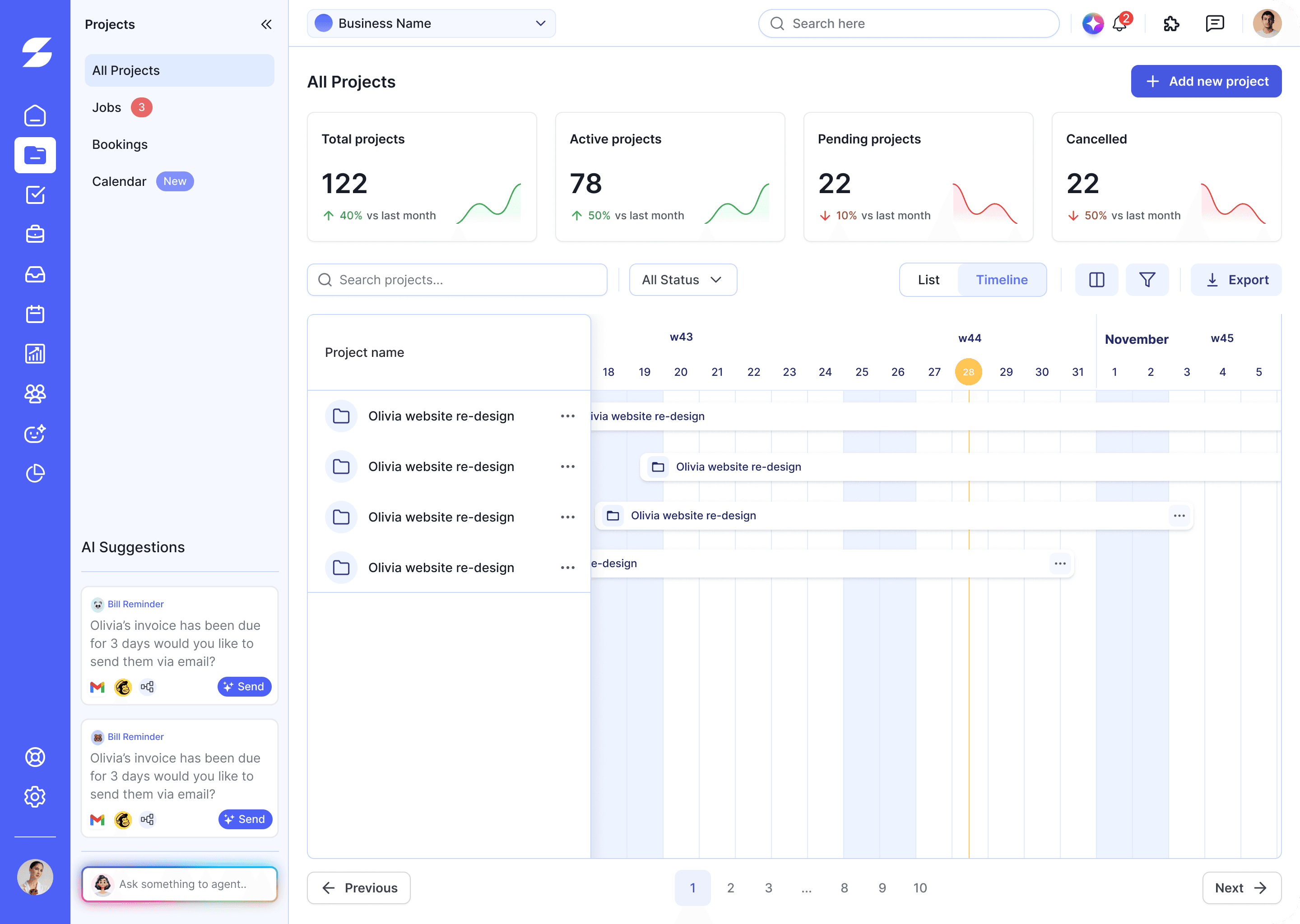
ProjectManage projects & client deals in one
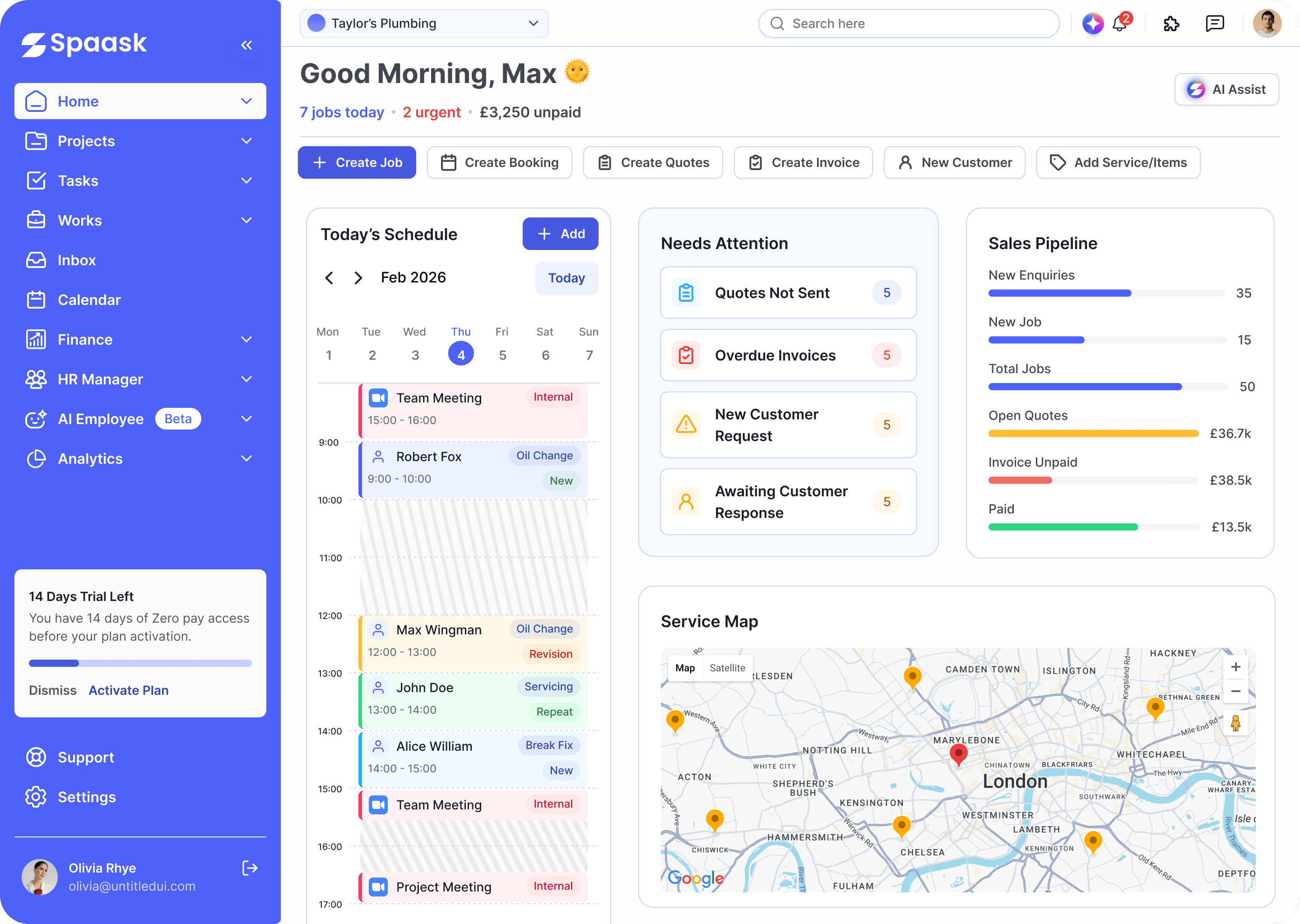
Spaask connects projects, people, finance and AI into one workspace — so nothing you set up today works in isolation tomorrow.
1K+ Business
Loves Using Spaask

















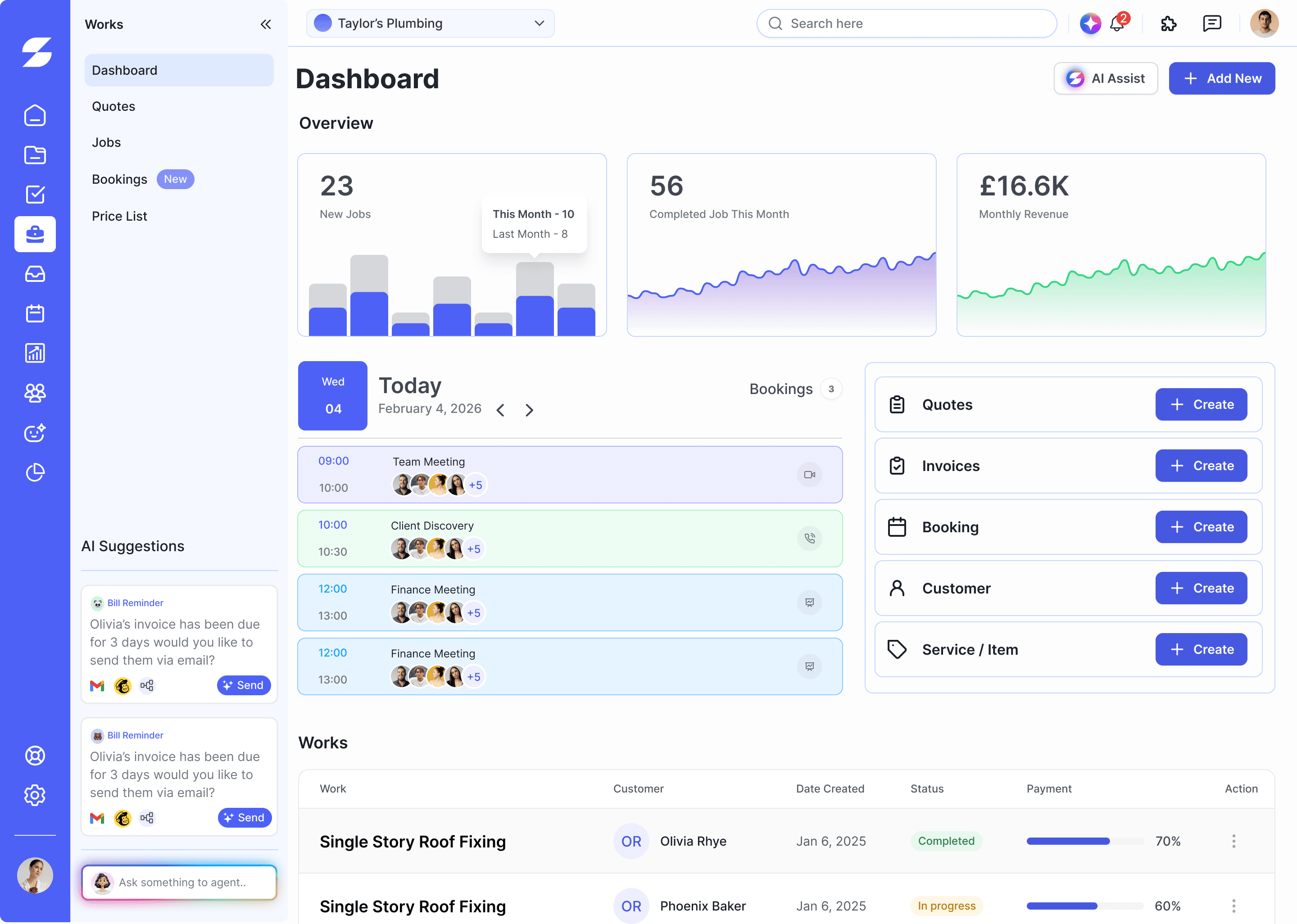
Track Works
Manage and track all your project deals and clients

Mike
Sales Manager

 Why it matters
Spaask is built so every department shares one source of truth, set it up once and projects, finance and reporting stay in sync automatically.


Open the first few to get moving, the rest are here whenever you're ready for them. Your progress saves automatically.
Create your workspace
During setup you'll choose the essentials that shape every screen that follows.
Add everyone who works with you
Project managers, developers, designers, sales, HR, finance, clients and agency partners all get an invite from the same screen.
Give every function its own space
Marketing, Development, Sales, Finance, HR, Operations, Support and Administration each receive their own dashboard, reports, permissions and workflows.
Protect your data from day one
Choose from Admin, Manager, Employee, Client, Finance, HR or build a custom role. Everyone sees only what they need.
Bring your existing stack with you
Plug in the tools your team already uses — calendars, chat, email, payments and more — without breaking your workflow.







Bring projects, clients and invoices over
Import from Excel, CSV, Asana, ClickUp, Monday, Trello, Jira or Notion — including projects, tasks, clients, invoices, employees and documents.
Set the plan in motion
Name, client, budget, deadline, team, priority, milestones, time tracking, files and deliverables all on one screen.
Know your numbers from day one
Budgets, invoices, expenses, payroll, purchase orders, subscriptions, tax categories, profit reports and cashflow all connected to your projects.
Let Spaask do the busywork
Spaask AI generates tasks, predicts deadlines, summarises meetings, drafts project plans and reports, answers business questions, finds bottlenecks and writes SOPs.
Everything connected
After finishing all this steps you are ready to use your workspace for your business
1000+ Businesses Using Spaask


Jenny Lopez
EFG Ltd.

Rayan Williams
ABC Ltd.
Spaask made my admin fly, that work turned fun now

Max Carpenter
XYZ Ltd.
1000+ Businesses Using Spaask
 Integrations

Asana
... wasn't build for this.
Spaask is built for agencies and service-based teams who run projects, manage clients, and coordinate staff — often across several disconnected tools.
It is a strong fit if you want one place to handle:
Try all features for 14 days. No credit card required.








 Searching tools...